Full Seasonal System Game has every season. Spring, Summer, Autumn, Winter – Making up the Main Game Loop Day/Night Cycle Dynamic lighting curves, smooth transitions, night creatures, and the groundwork for weather events. New Firefly Enemy Designed and illustrated a fully custom firefly for Night time crafting missions.
Thumbnail Generator Upgrade My editor tool now includes a selectable light intensity slider to generate perfect transparent PNG thumbnails for every enemy and object. Crafting & Inventory System now Ready to Integrate This devlog shows a ton of progress across visual systems. Webster’s is starting to feel truly alive.
At Boss IT Solutions, this is the standard of work you can expect. In this new shop fit-out, we came in to patch, set up, and optimize the entire rack. From the Cisco router to the NBN modem, switch, phones, desktops, and peripherals. Everything is meticulously placed. We love jobs like this because they showcase the care and precision we bring. When you work with Boss IT, you get not just functionality, but a setup that’s clean and professional.
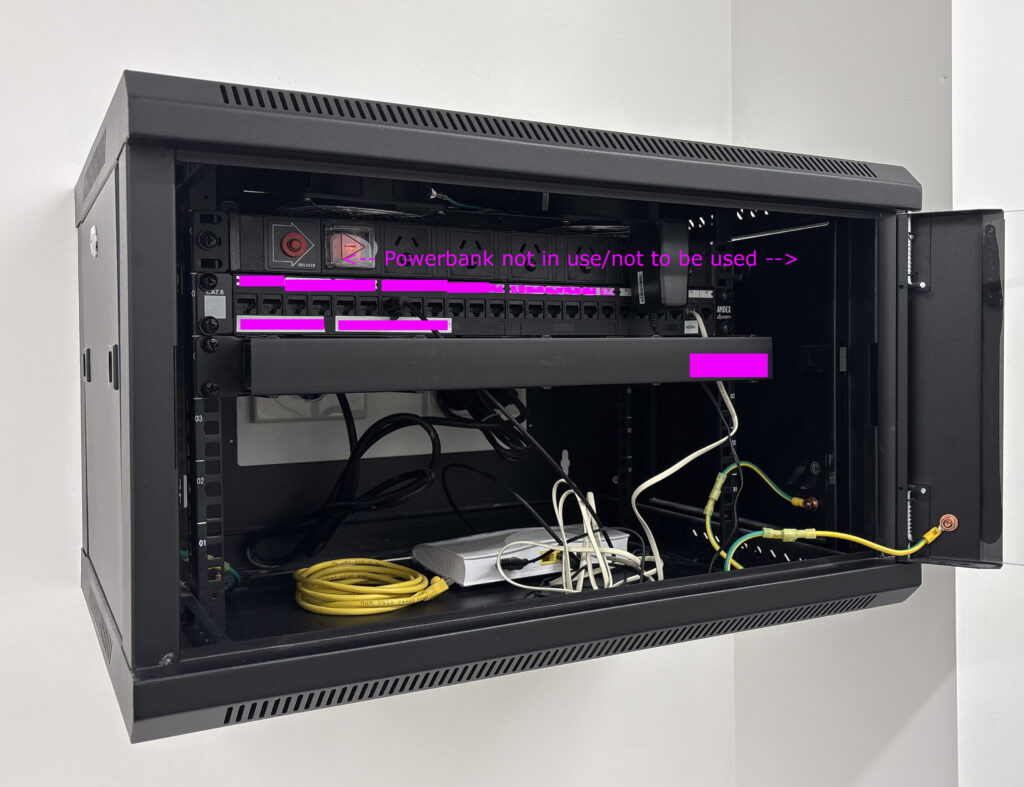
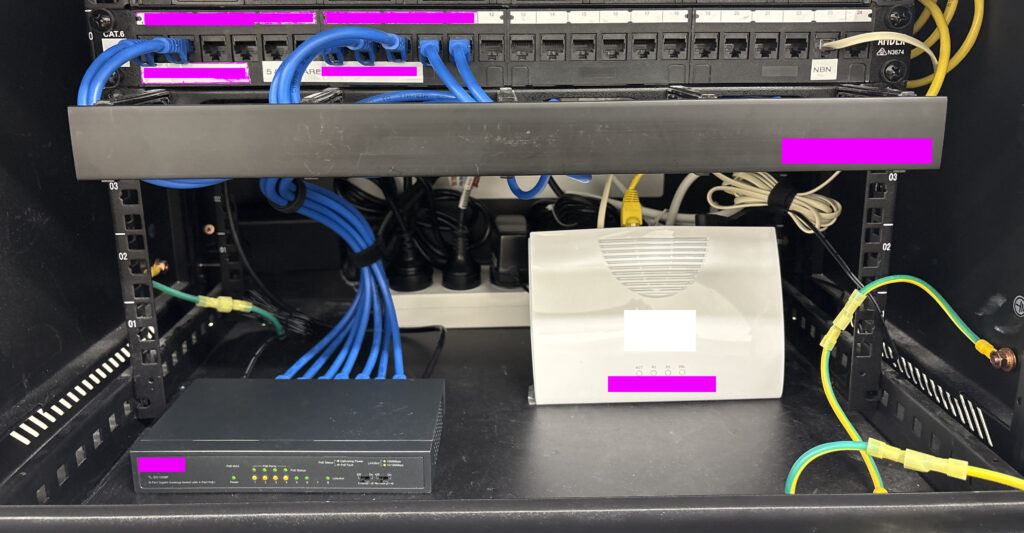
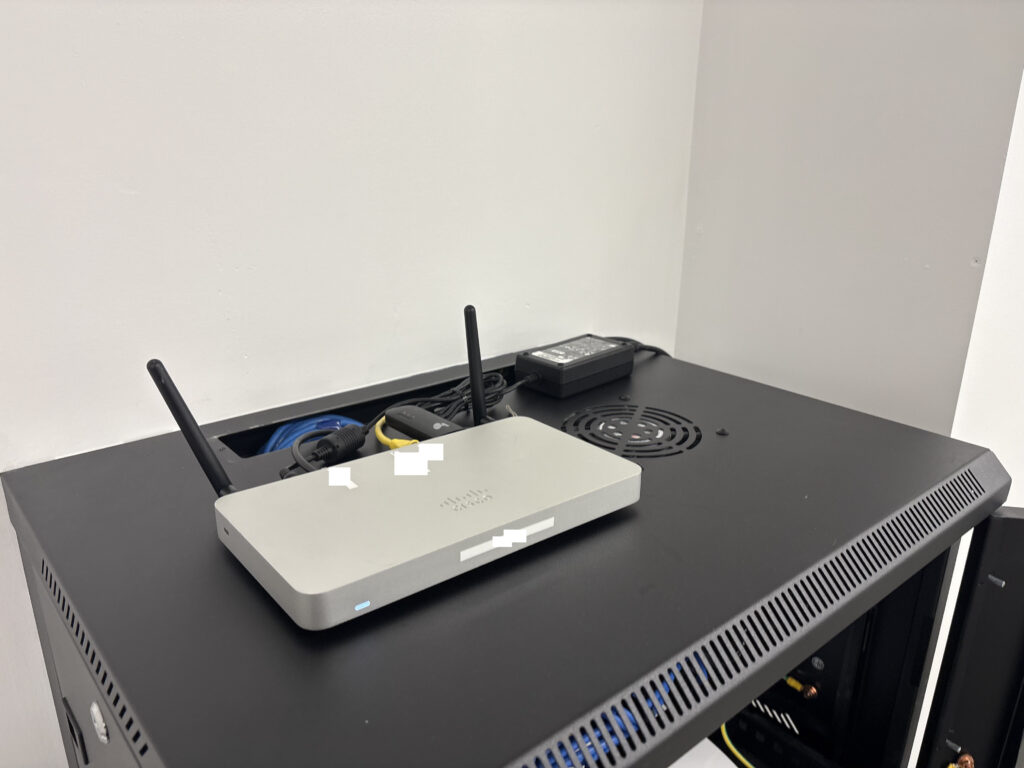
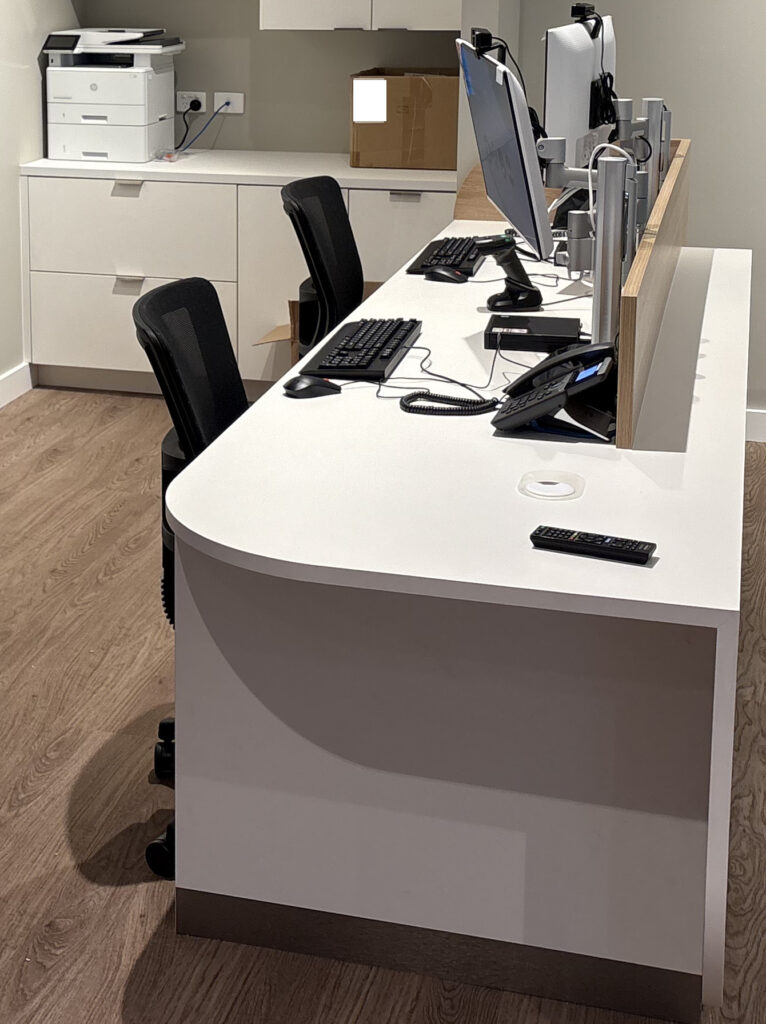
Tech Installed – Cisco | NBN Modem | 8 Port POE Switch | Desk phones | Barcode Scanner | EFTPOS Terminal | Desktops | Monitors | HP Laserjet | 2x Raspberry/TV devices
This video kicks off my cybersecurity tutorial series. Everything here is legal, safe, and strictly educational, no real hacking is performed. I’m setting up tools in a controlled lab environment as part of my Master’s in Cybersecurity coursework.
To make it more entertaining, I’ve wrapped the tutorial inside the world of Far Cry 2, with NPCs chasing me down. It’s mostly for fun, but the lessons are real foundations for anyone interested in white-hat cybersecurity.
What’s in this episode:
- Monero wallet setup (0 balance, no transactions, just installation) – https://www.getmonero.org
- Installing Kali Linux inside VMware on Windows (note: Linux is better for serious work) – https://www.vmware.com/ | https://www.kali.org/
- Using torrents for legal, open-source downloads only – https://www.qbittorrent.org/
- Preparing a VPS (privacy + lab work, not shady hosting) – https://1984.hosting/
- Promoting Alex’s Far Cry 2 Realism Mod – https://www.nexusmods.com/farcry2/mods/292
⚠️ Disclaimer
- This video is for educational purposes only.
- No malicious activity is shown.
- All tools demonstrated are legal and open-source.
- The focus is on safe lab setup and whitehat practices, with gameplay used for entertainment.
- Produced as part of my Cybersecurity Master’s degree coursework.
- Always practice cybersecurity responsibly, legally, and within a controlled environment.
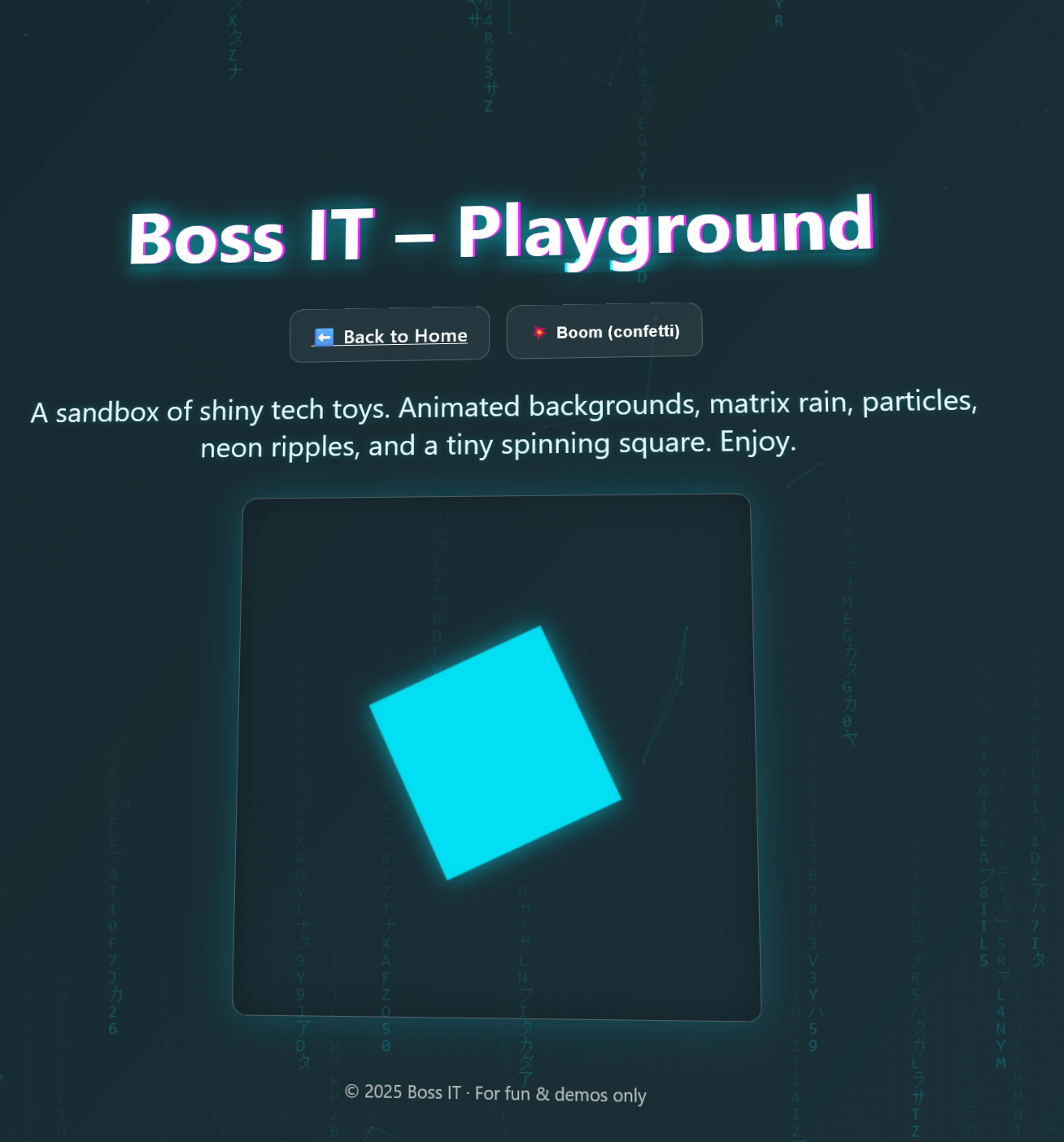
https://bossitwebsite.pages.dev
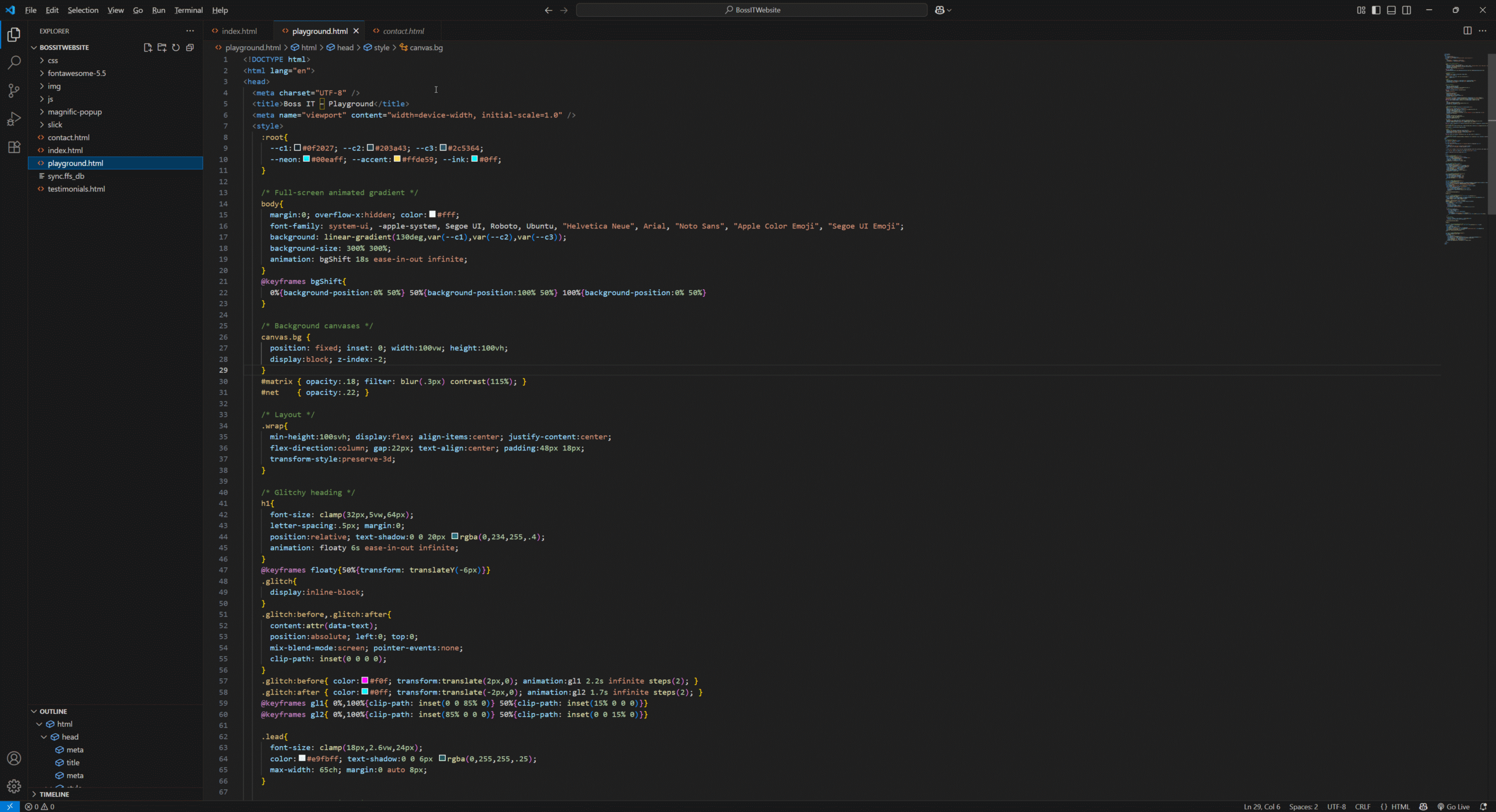
We’ve been experimenting with Cloudflare’s edge platform, deploying static versions of our sites and optimizing performance through script-based delivery. The focus has been on streamlining load times, hardening security, and reducing server overhead by pushing more functionality to the client side with JavaScript.
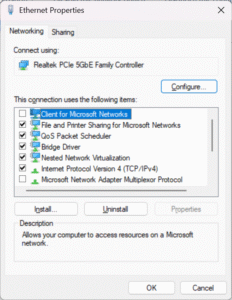
When setting up Windows devices, one of the default components enabled on the network adapter is Client for Microsoft Networks. Most IT providers leave it alone, but the truth is: not every environment needs it, and in some cases, leaving it enabled just increases your attack surface.
What Is it
- Client for Microsoft Networks is the Windows component that allows your PC to authenticate to domain controllers and access SMB file shares.
- Without it, you can’t log into Active Directory or connect to traditional Windows file/print shares.
When It’s Needed
- On-prem Active Directory environments
- Mapped drives / file shares on Windows Servers or NAS devices using SMB
- Legacy printer and network resource sharing
When It’s Not
- Home users and cloud-first businesses running Microsoft 365, Google Workspace, Dropbox, etc.
- Internet-only endpoints where the device never needs to access SMB shares.
- Hardened environments (kiosks, DMZ servers, etc.) where minimal services = minimal attack surface.
Why It Matters
- Legacy baggage – it’s been around since the NT4/2000 era.
- Security implications – extra services mean more opportunities for NTLM relay, credential harvesting, or malicious SMB requests.
- Best practice – disable what isn’t required, keep the networking stack lean.
Recommended Approach
- In domain environments: Leave it enabled, it’s required for correct operation.
- In non-domain environments: Disable it, especially for machines that only need internet/cloud access.
- For file sharing: If you keep it, make sure you’re using SMB3 and modern authentication.
The Bottom Line
“Client for Microsoft Networks” isn’t inherently unsafe, but leaving it enabled on every device by default is sloppy IT hygiene. Evaluate whether it’s needed in your environment. If it’s not, disable it and shrink your attack surface.
At Boss IT Solutions, we don’t just run with defaults. We harden systems for the real world: keeping what’s necessary, stripping out what isn’t, and leaving you with a leaner, safer setup.
A new client told me they’d bought a brand-new Windows 11 PC. It even had the shiny sticker on the front. But inside? It was a landfill special:
- 4 GB of soldered RAM, non-upgradeable
- Slow eMMC storage barely faster than an SD card
- Bargain-bin Intel N-series CPU that wheezed opening File Explorer
- Windows 11 Home slapped on as if it were a feature, not a red flag
Sure, it “ran” Windows 11, but just barely. That wasn’t even the real problem. The real kicker was when it couldn’t connect to the office NAS. They were told if they just bought this new PC that their NAS would start working fine! Thats what drove them to call me.
The Shortcut Fiasco
The NAS had been “breaking” for years apparantly. Every time it did, the previous IT provider came out, charged a support fee, and “fixed” it by creating new shortcuts to the NAS’s new DHCP IP.
By the time I got there, the client’s old windows 10 desktop was a graveyard of old NAS shortcuts. The new Windows 11 machine (they bought to apparantly fix it) finally broke the cycle, because Windows 11 doesn’t support SMB1.0, and the NAS was still running it, So no matter what, it would not connect.
No more shortcuts. No more quick fixes. The game was up.
The Real Issue: Legacy SMB Protocols
This is where the real problem lay: reliance on SMB1.0, a protocol designed in the 1980s and riddled with vulnerabilities.
- SMB1 was the vector for the WannaCry and NotPetya outbreaks.
- Microsoft deprecated it years ago.
- Windows 11 won’t even install SMB1, and for good reason.
Yet many IT providers leave it running on old NAS boxes and file servers because it “still works.” That lazy approach leaves businesses insecure, and eventually, incompatible with modern systems.
Why It Matters
- Legacy baggage – SMB1 belongs to the NT4/Windows 2000 era.
- Security risk – it enables ransomware, NTLM relay, and credential theft.
- Compatibility – new operating systems simply won’t talk to it.
What We Did
We rebuilt the setup properly:
- Assigned the NAS a static IP (no more broken shortcuts and guaranteed billiable hours for the IT guy).
- Upgraded it to SMB3 with user-level permissions.
- Disabled insecure legacy protocols like SMB1.
- Added SFTP with WinSCP for additional access.
The Result
- Stronger authentication and encryption via SMB3.
- Stable IP addressing, no more shortcut graveyards.
- Safer access via SSH/SFTP.
- A setup that actually works with Windows 11.
The Bottom Line
The cheap Windows 11 PC was funny, because it exposed a much scarier reality: years of IT abuse and insecure defaults left in place.
- SMB1 is dead, stop leaving it enabled.
- If your NAS still requires it, upgrade or replace it.
- Static IPs and modern protocols save money and frustration.
At Boss IT Solutions, we don’t milk clients with shortcuts or leave them hanging on legacy defaults. We fix the root cause, harden what’s left, and leave you with a network that’s stable, secure, and modern. This was one of the worst we have ever seen.
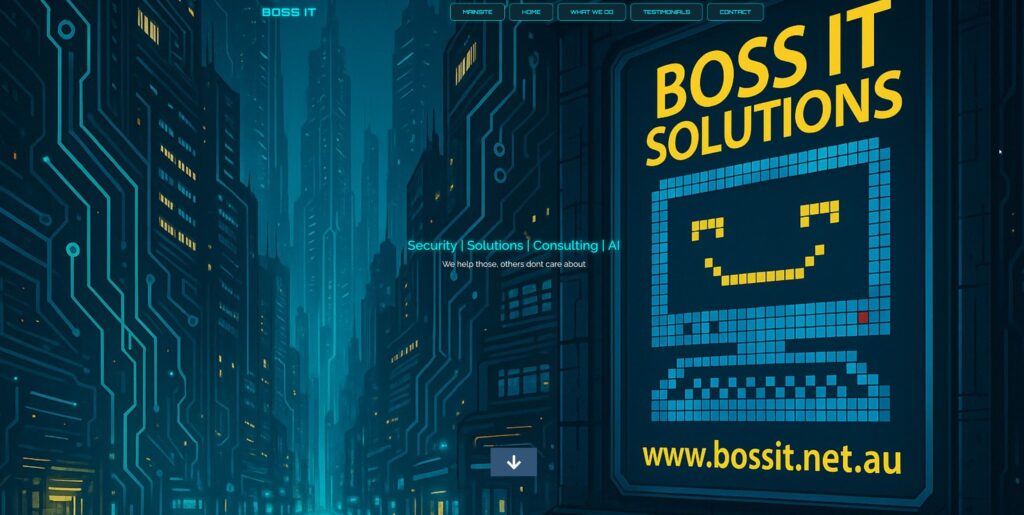
DEMO SITE HERE –> https://bossitwebsite.pages.dev/#home
Why We’re Rebuilding Our Website (.NET.AU –> .COM.AU)
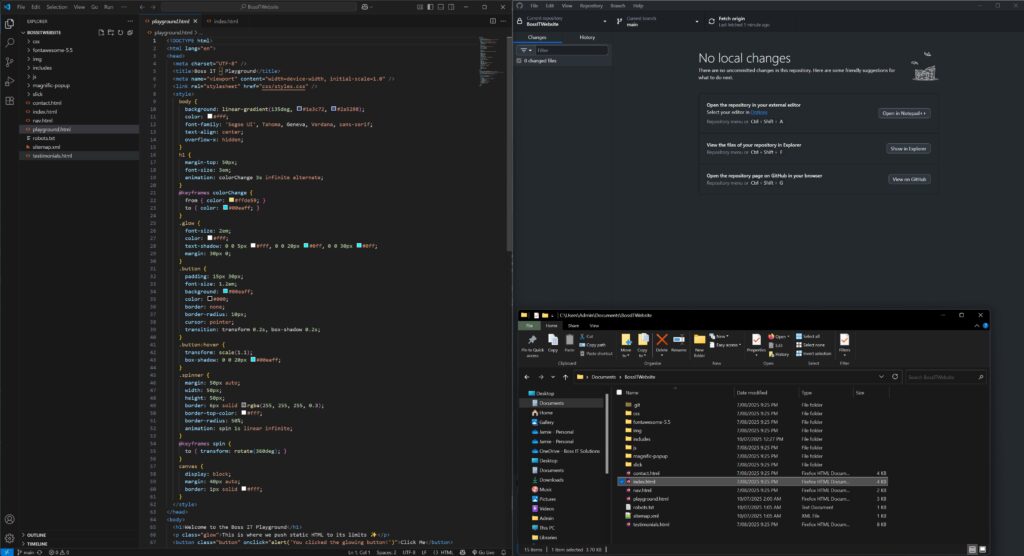
We’re rebuilding our site as a test bed: pure HTML, CSS, and JS in VS Code, hosted on Cloudflare. Fast. Clean. Secure. No bloat. Writing scripts to auto-populate every page’s header and navigation directly into the HTML so no external calls or scripts. No unnecessary code. Lean, efficient structure built for speed. It wont replace our main site for now, and is being used as a portfolio and test bed for code experimentation.
What’s a Static Website?
There’s no server, no database, no WordPress, no back-end code running every time someone visits. Instead, it’s just lightweight files and pages that load instantly. They are hard to break, and easy to secure.
We’re also keeping URLs consistent wherever possible, and where things do change, we’ve got proper 301 redirects in place to keep the SEO juice flowing.
Booted up the infected Samsung. Endless malware pop‑ups, factory reset hung on the unknown lock code. Removed 8 Virus Apps but still it continued to be completely unusable. Unable to be used for email or 2FA.
So to get customer access to email, we tried Google account‑recovery. 2FA code sent, straight back to the locked phone. Even when we managed to blast our way through the viruses ads we might get lucky and see a code, but even if we do, the authentication requires another (loop within google). So we ask the customer about their email, with no password and no access, even the phone is tied into that email account. Customer said “don’t worry delete the phone”, however it was registered with the google account, so they would lose apps purchased under that account, customer said “do it…”. So we setup a new email so the customer can get working. In the meantime because were unable to get anywhere with the phone, we decide to do a full factory reset. but it needed auth from Samsung, which in turn wants 2FAs to the google email…
Caught in a vendor‑to‑vendor deadlock. No way in, no way out. “What’s more important, rescuing old data or getting you running again?”
They chose “running again.”
Step 1: New Email
- Spun up a fresh Gmail.
- Configured webmail access in Chrome.
- Verified they could send/receive immediately.
Step 2: Outlook Plan Deferred
- PC stuck on failed Windows updates, Outlook install blocked.
- Customer doesn’t want Office 365. Uses desktop Outlook.
Step 3: Data Audit
- “Anything critical on the laptop?”
- Answer: “Nothing I can’t reinstall.”
- Decision: schedule a clean Windows reinstall later. No rush.
Customer back on email. Phone loop broken by starting fresh. Laptop limping along on webmail.
Reflection:
Viruses can’t physically brick hardware, but can certainly make it impossible to use in the aftermath when big vendors trap you in endless verification loops.
Disclaimer & Fair Use Notice: This project includes clips and assets from Terminator 2: Judgment Day (Paramount Pictures) and Terminator: Resistance (Reef Entertainment). All rights remain with their respective copyright holders. This video is transformative, created solely for entertainment purposes and not for commercial gain. No copyright infringement intended. If you are a rights holder and require removal or attribution, please contact the creator directly.
The Full RickRoll
TLDR Short
Credits & Assets Used: (via FREESOUND.ORG)
🔊 Beep_2000Hz_100ms_Mono_Jahoma_Generated.wav by janhgm – https://freesound.org/s/237992/
🎭 Crowd in Anticipation of Show.wav by soundslikewillem – https://freesound.org/s/193062/
🚨 alarm long a.wav by jobro – https://freesound.org/s/33733/
Tech Used:
🎥 OBS Studio – Video Capture – https://obsproject.com/
✂️ Shotcut – Video Editing – https://shotcut.org/
🎹 FL Studio – Music Production – https://www.image-line.com/
🐧 Linux Mint XFCE – Solid OS for Work – https://linuxmint.com/
🔄 FreeFileSync – Backup & File Syncing – https://freefilesync.org/
📡 Synology NAS – Reliable Storage Amidst the Chaos – https://www.synology.com/
🕹️ Unity3D – Fake Skynet-style GUI Interface – https://unity.com/
🖼️ GIMP – Image Editing – https://www.gimp.org/
🤖 OpenAI + Copilot – Cut down on Googling and guesswork.