At Boss IT Solutions, this is the standard of work you can expect. In this new shop fit-out, we came in to patch, set up, and optimize the entire rack. From the Cisco router to the NBN modem, switch, phones, desktops, and peripherals. Everything is meticulously placed. We love jobs like this because they showcase the care and precision we bring. When you work with Boss IT, you get not just functionality, but a setup that’s clean and professional.
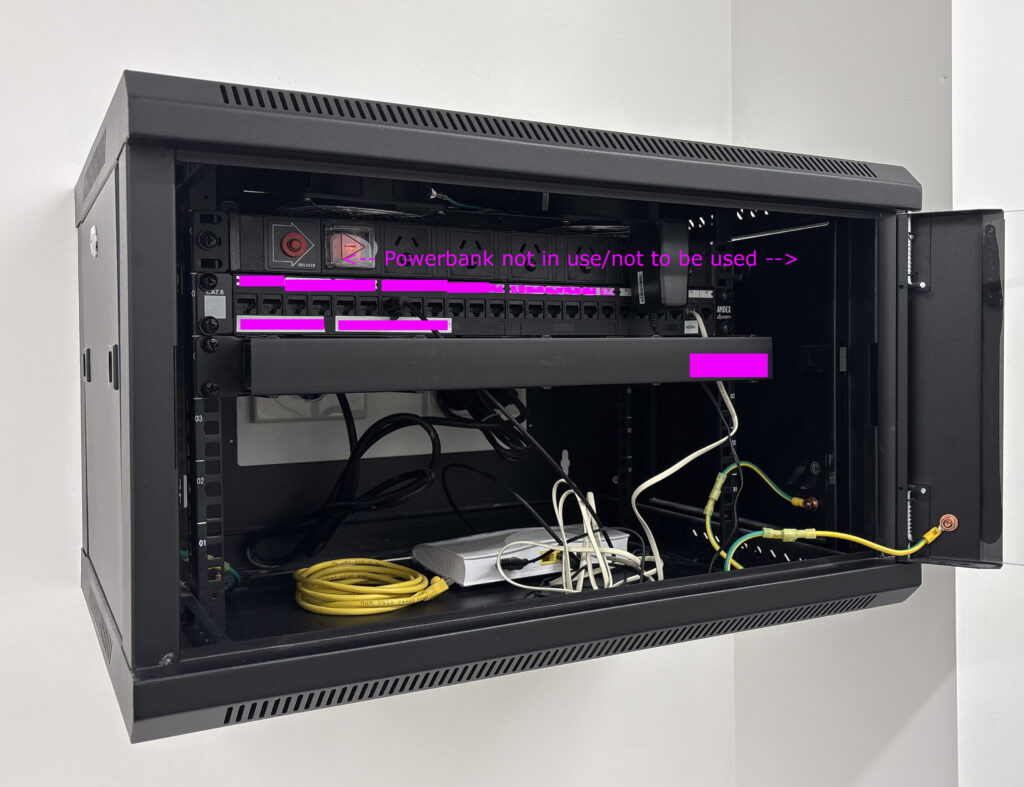
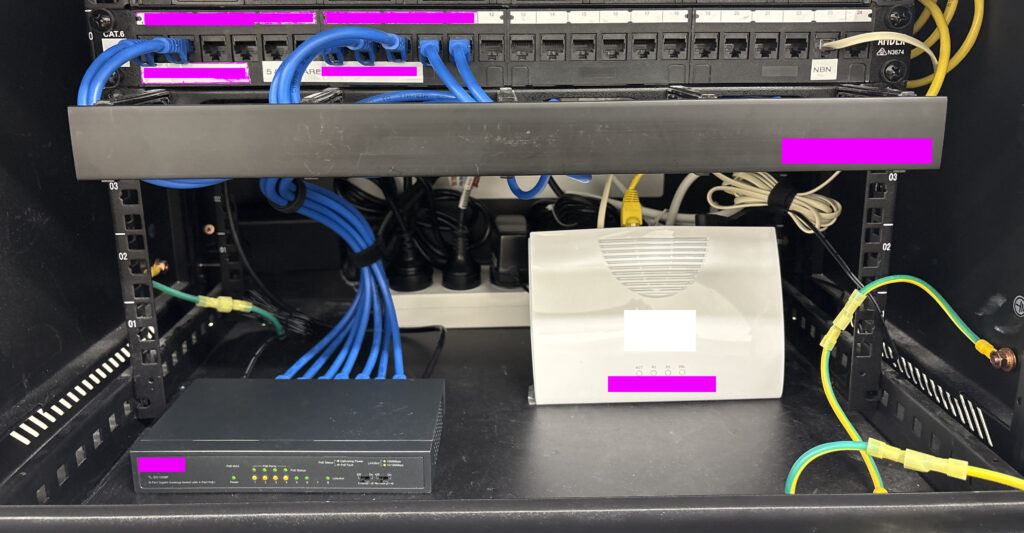
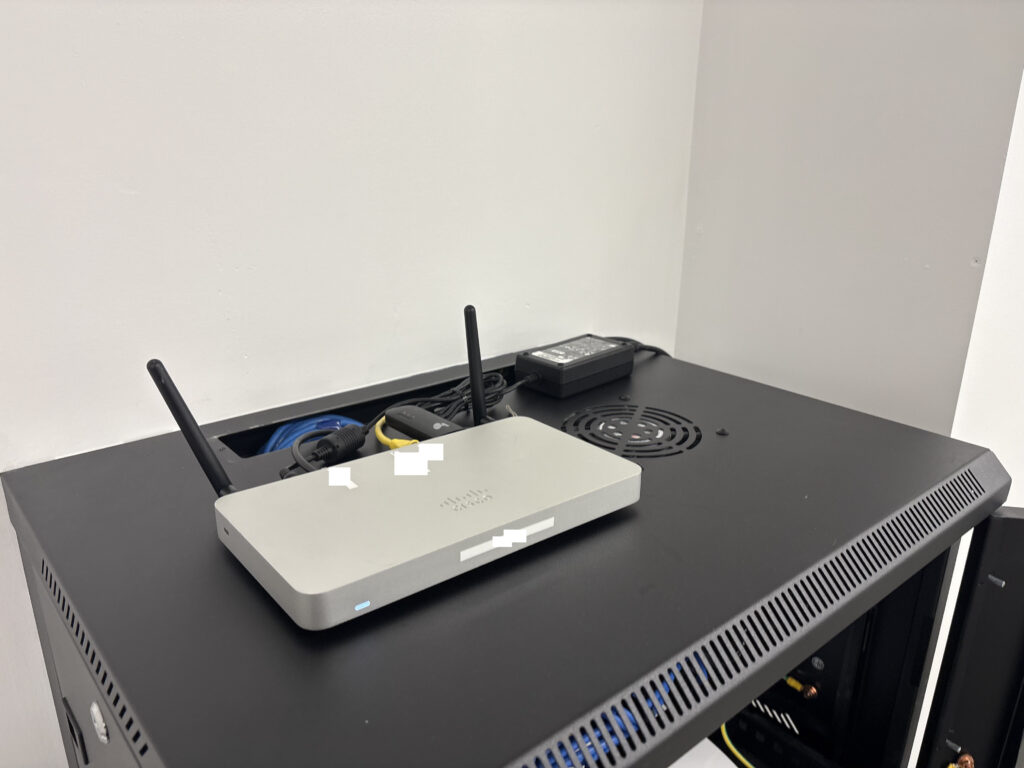
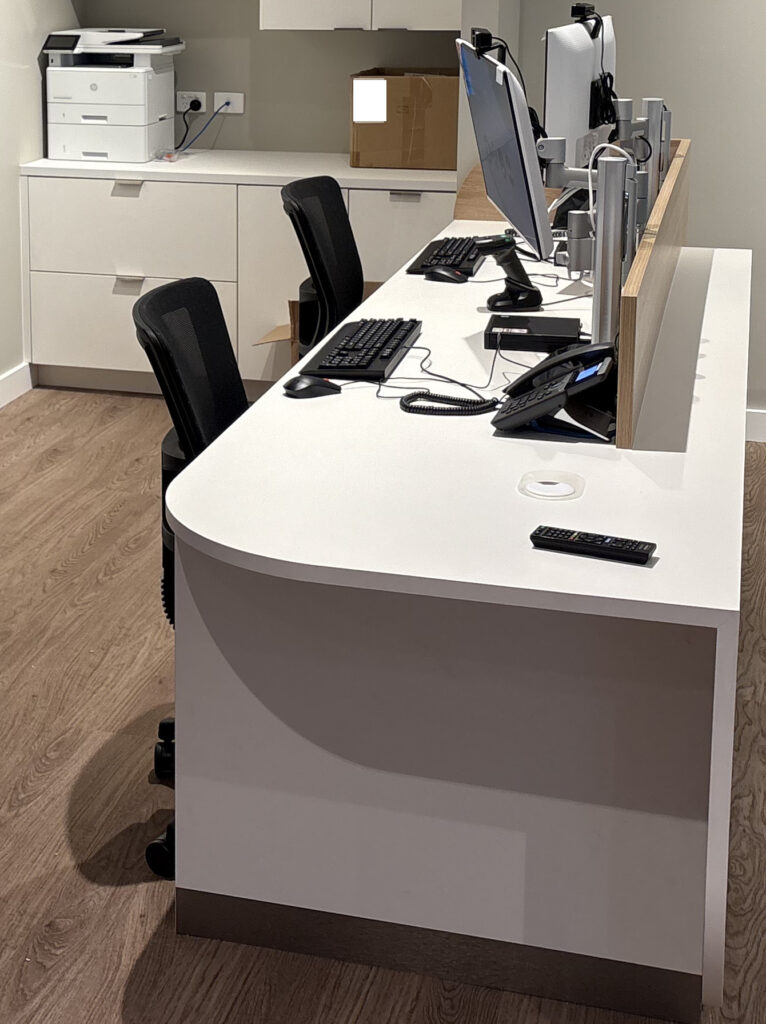
Tech Installed – Cisco | NBN Modem | 8 Port POE Switch | Desk phones | Barcode Scanner | EFTPOS Terminal | Desktops | Monitors | HP Laserjet | 2x Raspberry/TV devices
A new client told me they’d bought a brand-new Windows 11 PC. It even had the shiny sticker on the front. But inside? It was a landfill special:
- 4 GB of soldered RAM, non-upgradeable
- Slow eMMC storage barely faster than an SD card
- Bargain-bin Intel N-series CPU that wheezed opening File Explorer
- Windows 11 Home slapped on as if it were a feature, not a red flag
Sure, it “ran” Windows 11, but just barely. That wasn’t even the real problem. The real kicker was when it couldn’t connect to the office NAS. They were told if they just bought this new PC that their NAS would start working fine! Thats what drove them to call me.
The Shortcut Fiasco
The NAS had been “breaking” for years apparantly. Every time it did, the previous IT provider came out, charged a support fee, and “fixed” it by creating new shortcuts to the NAS’s new DHCP IP.
By the time I got there, the client’s old windows 10 desktop was a graveyard of old NAS shortcuts. The new Windows 11 machine (they bought to apparantly fix it) finally broke the cycle, because Windows 11 doesn’t support SMB1.0, and the NAS was still running it, So no matter what, it would not connect.
No more shortcuts. No more quick fixes. The game was up.
The Real Issue: Legacy SMB Protocols
This is where the real problem lay: reliance on SMB1.0, a protocol designed in the 1980s and riddled with vulnerabilities.
- SMB1 was the vector for the WannaCry and NotPetya outbreaks.
- Microsoft deprecated it years ago.
- Windows 11 won’t even install SMB1, and for good reason.
Yet many IT providers leave it running on old NAS boxes and file servers because it “still works.” That lazy approach leaves businesses insecure, and eventually, incompatible with modern systems.
Why It Matters
- Legacy baggage – SMB1 belongs to the NT4/Windows 2000 era.
- Security risk – it enables ransomware, NTLM relay, and credential theft.
- Compatibility – new operating systems simply won’t talk to it.
What We Did
We rebuilt the setup properly:
- Assigned the NAS a static IP (no more broken shortcuts and guaranteed billiable hours for the IT guy).
- Upgraded it to SMB3 with user-level permissions.
- Disabled insecure legacy protocols like SMB1.
- Added SFTP with WinSCP for additional access.
The Result
- Stronger authentication and encryption via SMB3.
- Stable IP addressing, no more shortcut graveyards.
- Safer access via SSH/SFTP.
- A setup that actually works with Windows 11.
The Bottom Line
The cheap Windows 11 PC was funny, because it exposed a much scarier reality: years of IT abuse and insecure defaults left in place.
- SMB1 is dead, stop leaving it enabled.
- If your NAS still requires it, upgrade or replace it.
- Static IPs and modern protocols save money and frustration.
At Boss IT Solutions, we don’t milk clients with shortcuts or leave them hanging on legacy defaults. We fix the root cause, harden what’s left, and leave you with a network that’s stable, secure, and modern. This was one of the worst we have ever seen.
Booted up the infected Samsung. Endless malware pop‑ups, factory reset hung on the unknown lock code. Removed 8 Virus Apps but still it continued to be completely unusable. Unable to be used for email or 2FA.
So to get customer access to email, we tried Google account‑recovery. 2FA code sent, straight back to the locked phone. Even when we managed to blast our way through the viruses ads we might get lucky and see a code, but even if we do, the authentication requires another (loop within google). So we ask the customer about their email, with no password and no access, even the phone is tied into that email account. Customer said “don’t worry delete the phone”, however it was registered with the google account, so they would lose apps purchased under that account, customer said “do it…”. So we setup a new email so the customer can get working. In the meantime because were unable to get anywhere with the phone, we decide to do a full factory reset. but it needed auth from Samsung, which in turn wants 2FAs to the google email…
Caught in a vendor‑to‑vendor deadlock. No way in, no way out. “What’s more important, rescuing old data or getting you running again?”
They chose “running again.”
Step 1: New Email
- Spun up a fresh Gmail.
- Configured webmail access in Chrome.
- Verified they could send/receive immediately.
Step 2: Outlook Plan Deferred
- PC stuck on failed Windows updates, Outlook install blocked.
- Customer doesn’t want Office 365. Uses desktop Outlook.
Step 3: Data Audit
- “Anything critical on the laptop?”
- Answer: “Nothing I can’t reinstall.”
- Decision: schedule a clean Windows reinstall later. No rush.
Customer back on email. Phone loop broken by starting fresh. Laptop limping along on webmail.
Reflection:
Viruses can’t physically brick hardware, but can certainly make it impossible to use in the aftermath when big vendors trap you in endless verification loops.
Part 1 – DNS moved. Microsoft 365 mail flowing. SMTP working through Azure. Forms fixed. Mail online.